Your
starts here
Whether you are planning an exhibition many months before its opening, optimizing your storage, or reaching your audience far beyond closing hours — cura3D provides you with the right tools for it.
For museums, galleries, cultural institutions, and all who wish to professionally plan and impressively present exhibitions and showrooms.
All possibilities in one tool
Digital Twins & Virtual Tours
Media Stations & Digital Experiences





























cura3D
One tool. Many functions.
Views & Navigation
Switch between floor plan, dollhouse, and walk-through 3D view at any time — depending on the perspective you need. The interface is intuitive to use, without requiring training in complex program workflows.
Space & Design
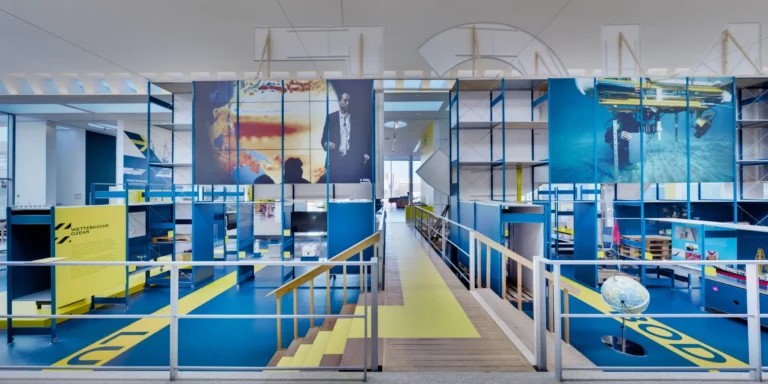
Build temporary architecture with just a few clicks: partition walls, pedestals, display cases, displays — positioned and colored directly in the virtual space. Test frames, passe-partouts, and wall colors for as long as you like before making a decision.
Exhibits & Collection
Import your inventory from Excel, CSV, or directly from your Collection Management System — metadata, images, and dimensions are immediately available. Each exhibit shows at a glance whether it is in the exhibition or in storage.
Export & Handover
Export dimensionally accurate wall elevations as PDF — with all the information art handling needs for installation. Object lists with images and metadata, 2D renderings up to 16K, and 3D exports as GLB are also available.
Storage Planning
Utilize existing storage spaces more efficiently. cura<sup>3D</sup> makes potential space visible and helps organize artworks, shelves, and storage areas to create more space without having to create new rooms.
Virtual Tours
Involve lenders, art handlers, and external parties in the coordination without additional licenses. Differentiated rights management ensures that protected works and sensitive information are only visible to authorized persons.
Make exhibitions, content, and brands digitally tangible.
Brilliant image quality
With over 500 megapixels per panorama, our virtual tours make spaces, exhibits, and details come alive with razor-sharp clarity. HDR recordings ensure that different lighting conditions are displayed naturally and balanced, from bright window areas to finely illuminated object sections.
Easy Navigation
Visitors navigate intuitively through the virtual tour: by clicking from location to location, via interactive hotspots, or directly via the floor plan. This allows them to quickly find their way around the space and explore exhibitions, showrooms, trade fair booths, or properties independently, without prior technical knowledge.
Intuitive CMS
With the integrated CMS, virtual tours can be expanded with additional content at any time. Audio, video, texts, PDFs, images, or 3D models can be placed directly at the appropriate locations in the space. This creates digital experiences that not only show spaces but also tell stories, impart knowledge, and present offers understandably.
API Integration
If required, virtual tours can be connected to existing systems via interfaces. Content, media, or metadata can thus be integrated from existing databases, websites, collection management, CRM, or booking systems and kept up-to-date.
IIIF Viewer
A built-in IIIF Viewer allows high-resolution image collections to be displayed directly within the virtual tour. Visitors can view paintings, documents, photographs, or archival materials in detail, zoom seamlessly, and recognize even the finest structures. Existing IIIF sources can be integrated, seamlessly connecting digital collections with the spatial experience.
Guided Tours
Guided Tours allow visitors to be specifically led through selected rooms, themes, or exhibits. Stations, viewing directions, and content can be curated and coordinated, creating a clear narrative from the virtual tour. Ideal for digital exhibitions, educational formats, product presentations, or guided tours outside regular opening hours.
Stage knowledge, history, and objects
Immersive Journeys Through Time
Historical architecture is digitally reconstructed and made accessible as a spatial experience. Visitors can explore past building conditions, understand changes, and experience history where mere images or texts reach their limits. The applications are suitable for museums, exhibitions, web formats, media stations, and immersive installations.
Digital Exhibitions
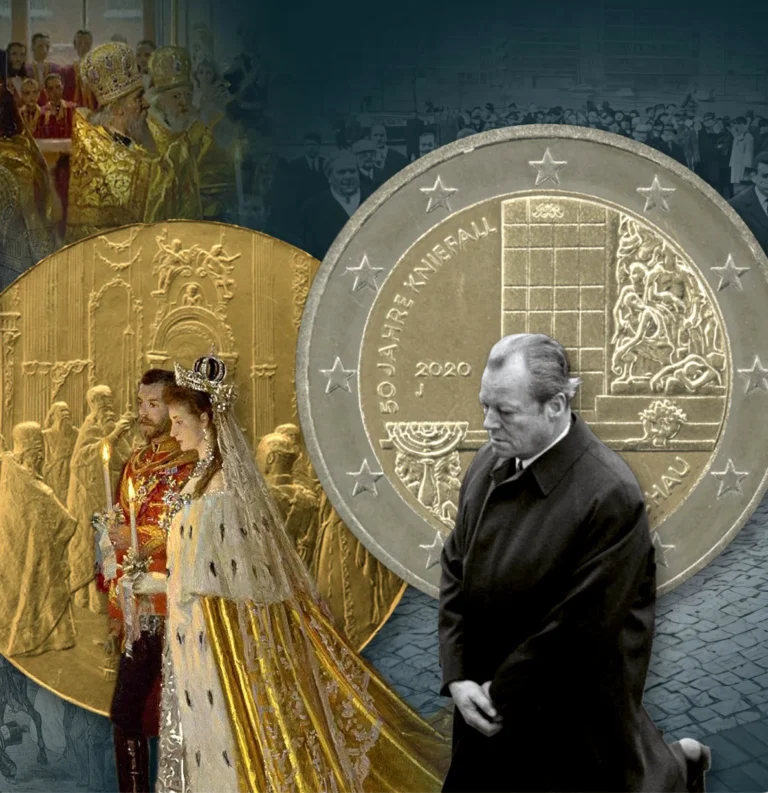
Curated content becomes interactive web experiences: with text, image, video, audio, 3D, and clear dramaturgy. This creates digital exhibitions that vividly convey complex topics and make them accessible independently of a museum visit.
Participatory Curation
Participatory applications make curatorial processes accessible: visitors select objects, develop their own arrangements, test hangings, or compile personal thematic routes. This creates digital formats that actively connect collection, education, and audience.
Architectural Reconstruction
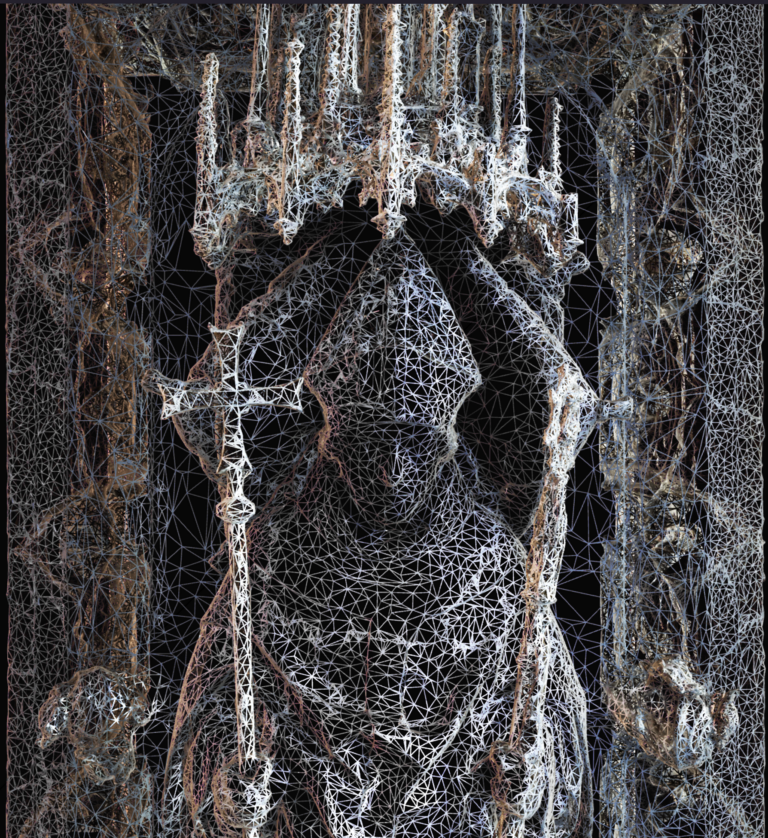
We digitally reconstruct historical architecture based on plans, photographs, source material, and scientific assumptions. This makes lost, altered, or difficult-to-access building conditions visible again and spatially comprehensible. The models can be used for research, education, exhibitions, web applications, films, or immersive installations.
High-Res Book Viewer
Digitized books, manuscripts, and archival materials are made accessible in high resolution via IIIF. Visitors intuitively browse, zoom in on details, and discover content that is often only partially visible or accessible in the original.
Configurators
We develop product configurators that make variants, materials, dimensions, and features directly tangible. Users assemble products step-by-step, compare options, and immediately see the impact of their choices. This makes complex products more understandable, consultation processes more efficient, and purchasing decisions more secure, whether in the browser, at the point of sale, or as an embedded tool on the website.
Media Stations
We develop media stations that make content accessible directly in the exhibition space: intuitive to use, visually high-quality, and perfectly tailored to the theme, space, and audience. Whether touchscreen, projection, interactive table, or multi-screen application: texts, images, films, audio, 3D models, and collection data are combined into clearly guided educational experiences.
Testimonials

Any questions?
We are happy to advise you.
Do you have questions about the software or would you like individual consultation for your museum or gallery? Our team of experts will gladly assist you with the digitalization of your exhibition planning.
How to reach us
Would you prefer to speak with us directly? Our team will answer your questions quickly and easily.